


Imagine being able to convert the abstract figures on your energy bill into concrete, cost-saving actions for your business. That is exactly what you do when you activate the P1 port of your smart meter: you open a direct line to your company's real-time energy data.
Why Activating the P1 Port Is a Gamechanger for Your Business
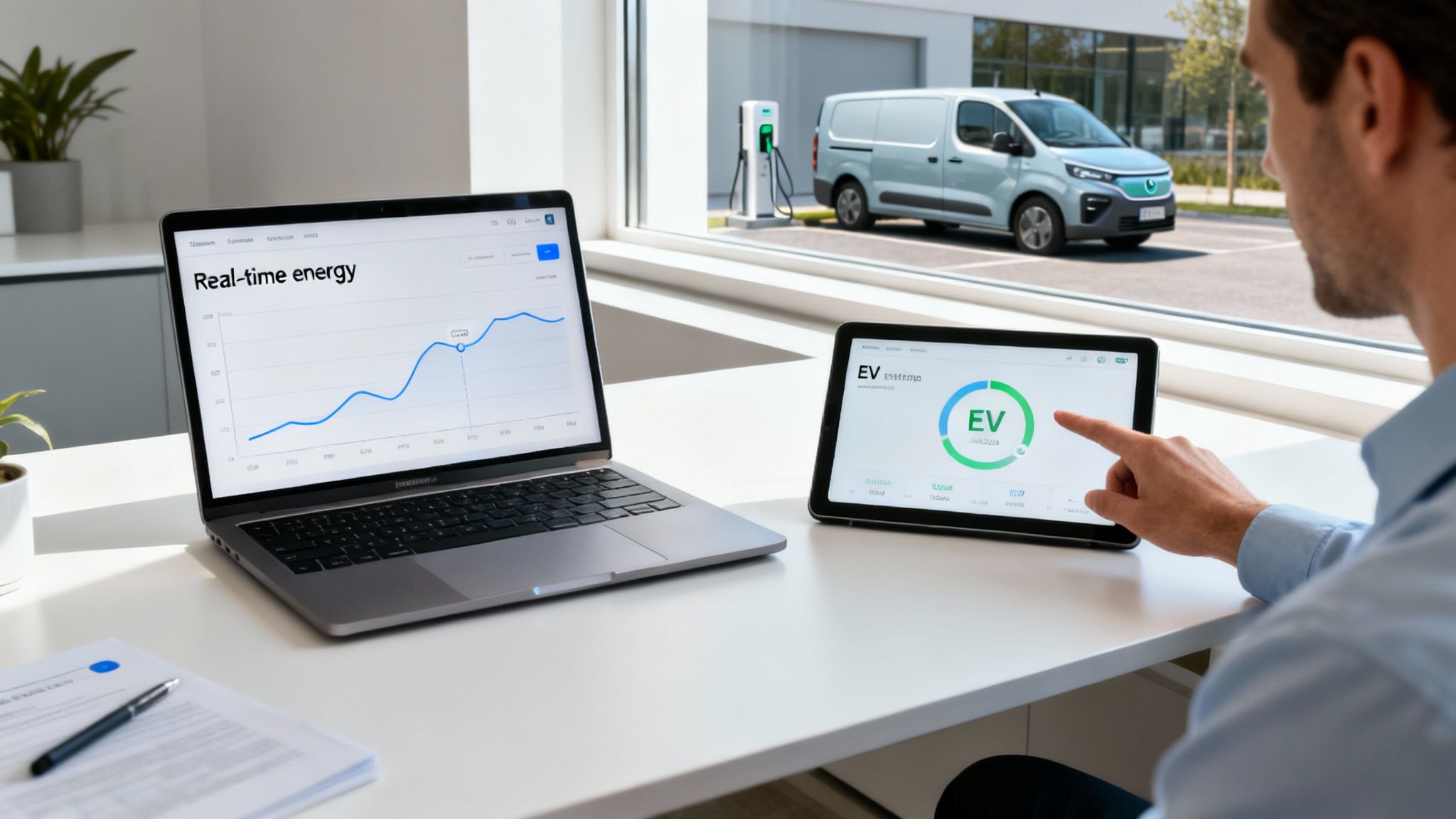
For Belgian companies, especially those with a growing fleet of electric vehicles, smart energy management has evolved from a 'nice-to-have' to an absolute necessity. Unlocking that P1 gateway is the crucial first step on that path.
With access to that data, you gain total control over when and how charge your vehicles. Instead of plugging everything in and hoping for the best, you can intelligently manage the charging process based on your building's live energy consumption.
The Power of Direct Data Access
As soon as you have access to the data from your smart meter, dynamic load balancing becomes possible. This means that our charge management system can automatically adjust the charging speed of every connected vehicle, ensuring your grid connection never becomes overloaded. This prevents power outages and, more importantly, the expensive peak rates charged by grid operators.
Take the concrete example of an SME with a fleet of 20 electric vans who need to charge at night. Without smart management, they would face an expensive upgrade to their grid connection, an investment that easily costs thousands of euros. With an activated P1 port and our system, charging sessions are spread throughout the night. The existing connection is more than sufficient, and operational costs decrease significantly.
By activating the P1 port, you transform your charging infrastructure from a passive energy consumer into an actively managed business asset that saves money and increases operational efficiency.
Fortunately, the rollout of smart meters in Belgium is already well advanced. In Flanders, grid operators already more than 80% of families and SMEs equipped with a digital meter. This widespread adoption makes it easier than ever for companies to utilize this technology. For more technical details on the setup, you can consult our guide on the installation of a charging station for electric cars consult
Preparing Your Meter and Grid Operator
Before you can use the P1 port, you need to arrange a few things. Successfully the Activate p1 smart meter port It starts with knowing exactly which meter you have and who your grid operator is. This might sound like a minor detail, but it prevents a lot of administrative hassle and ensures a smooth start.
Start by identifying your specific smart meter model. In Belgium, we often see models of Sagemcom, Kaifa or Landis+Gyr. The P1 gate – a small RJ12-connection that somewhat resembles an old telephone connection – is usually located behind a small flap on the front of the meter. The exact location does vary by model.
The Crucial Step: Contact Your Network Operator
The most important step is to contact your grid operator (also known as a Distribution System Operator or DSO). This is the company that manages the physical electricity grid in your region. For most companies in Belgium, this is:
- Fluvius in Flanders
- ORES in the greater part of Wallonia
- Sibelga in Brussels
This step is absolutely inevitable.For privacy reasons, the P1 port is often 'off' by default and must be activated remotely by the DSO. We have seen all too often that projects get stuck here, simply because this request was overlooked.
You usually request activation as follows:
- Go to the online portal: Log in to your network operator's website, such as "Mijn Fluvius".
- Identify your connection: Keep your EAN code at hand. This unique 18-digit The number identifies your electricity connection and appears on every energy bill.
- Submit the application: Look for an option like "Activate P1 port" or "share usage data".
Please note: ensure that you submit the application for the EAN code of the specific location where you want to install the smart charging solution. For companies with multiple branches, this is a detail that is easily overlooked.
Processing time varies, but expect it to take a few days. You will normally receive confirmation as soon as the port has been opened and can transmit data. For more context on why smart management is becoming so important, also read about the new obligations for charging stations in Belgium.
Choosing and Installing the Right P1 Cable
As soon as the application has been approved by your grid operator, it is time to make a physical connection to the P1 port of your smart meter. This is the crucial link that allows your meter to communicate with your energy management system, enabling the entire Activate p1 smart meter port process becomes reality. The right cable is essential for a stable and reliable data flow.
Which cable you need depends on your setup. For a single charging station next to a computer or controller, a simple one suffices. RJ12 to USB cable. However, for a larger installation with multiple chargers, such as we often see at companies, a more robust solution is required, such as a Wi-Fi or Ethernet adapter Recommended. This gives you the flexibility to manage everything without being physically connected to the meter.
Selecting the Correct Connection
Let's look at a practical example. Suppose your office has a Kaifa MA105 smart meter, a common model in Belgium. To connect this to your Blulinc load balancing system, follow these steps:
- Find the P1 port: Open the small flap on the front of the meter. The RJ12 port is located behind it.
- Connect the cable: Take a standard P1-compatible RJ12 cable and insert it firmly into the port until you hear a click.
- Connect to your hardware: You connect the other end, usually USB, to your power management system or P1 reader.
That is all it is. This physical connection creates the secure data line our system needs to receive real-time energy data.
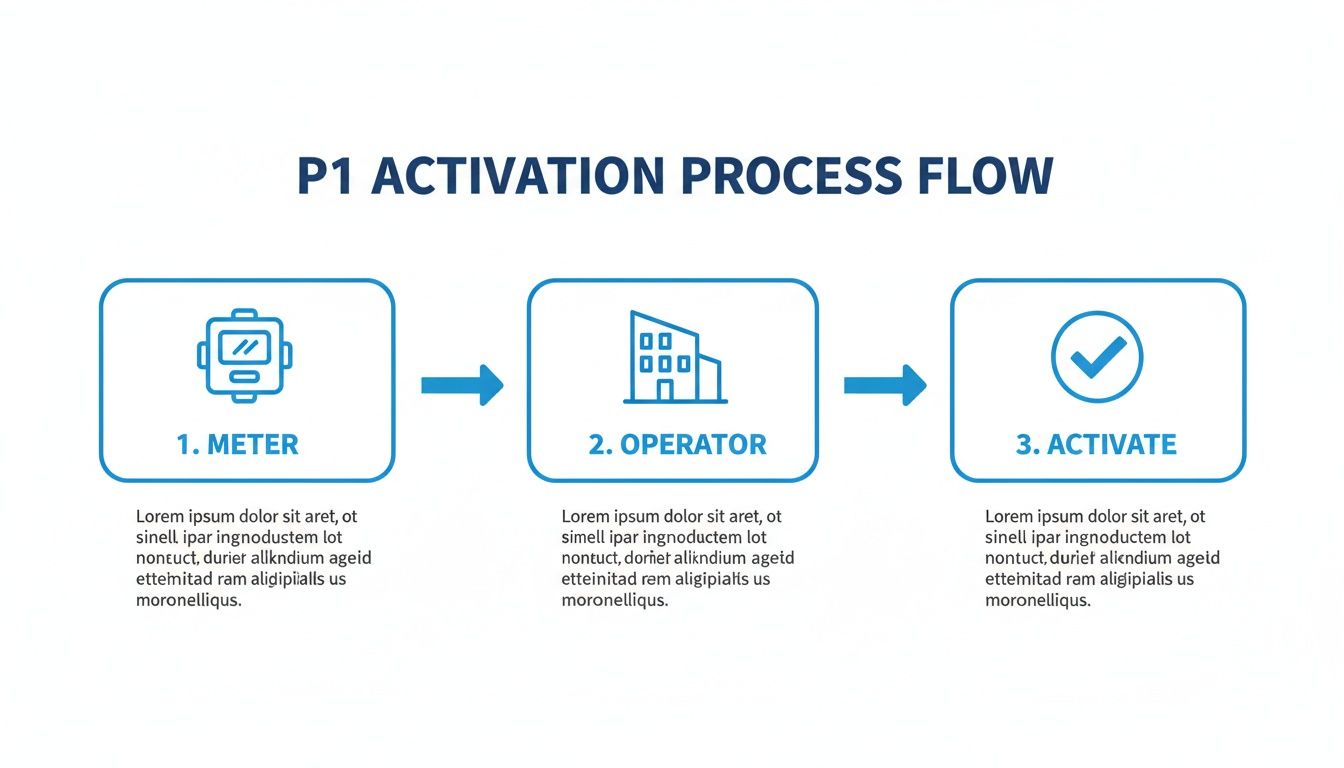
As you can see, once you know your meter model, it is a matter of contacting your grid operator and then making the physical connection.
Options for P1 cable connections
To help you decide, here is an overview of the most common cable types. Each has its own application, depending on whether you want to read basic data or set up a fully integrated smart energy system for your company.
| Cable type | Ideal For | Key Feature | Point of attention |
|---|---|---|---|
| RJ12 to USB | Simple, direct connection to a nearby computer or controller. | Cost-effective and easy to install. | Limited by cable length; requires a nearby device. |
| RJ12 to Ethernet | Installations where the meter is located far from the management system. | Stable, wired network connection over long distances. | Requires network infrastructure and possibly a more complex configuration. |
| P1 Wi-Fi Gateway | Wireless setups that require maximum flexibility and minimal cabling. | Connect the meter to your Wi-Fi network for remote access. | Depending on Wi-Fi signal strength and network security. |
| P1 to Serial (RS232) | Integration with older or specialized industrial hardware. | Reliable, direct communication for legacy systems. | Less common for modern installations; may require additional adapters. |
Making the right choice from the start saves you a lot of headaches later on. For most commercial integrations with Blulinc, we find that Ethernet or Wi-Fi gateways offer the best balance between reliability and scalability.
This process is rapidly becoming the norm across Europe, where the adoption of smart meters is already 63% has achieved. Belgium is certainly not lagging behind here; Fluvius alone has in Flanders 76% of the 2.8 million households and small businesses equipped with a digital meter. Activating these P1 ports is the key to the detailed data needed for advanced energy platforms like ours.
Using your P1 data for Smart Charging

The port is active, the cable is connected. And now? The goal of the Activate p1 smart meter port is not just about seeing numbers on a screen, but about converting that data into smart, automated energy management that saves you money and worries.
First, check if the data is being received effectively. Your P1 reader or energy management system should display real-time consumption data almost immediately. If nothing happens, check the physical connection. If that is in order, confirm with your grid operator that activation is complete on their end. This live data stream is the lifeblood of your new smart charging setup.
From Raw Data to Smart Decisions
This is where a platform like Blulinc shows its true power. We take the raw data stream from your P1 port and integrate it directly into our charge management system. This allows the system to make decisions in a fraction of a second based on your building's total energy consumption at that moment. This is what we call dynamic load balancing, the secret to avoiding overloaded circuits and sky-high energy bills.
An example we often encounter: a logistics company must 15 electric delivery vans Fully charge overnight. If they are all connected at the same time, the main fuse will almost certainly blow. The alternative? A very expensive upgrade of the grid connection.
With P1 data feeding our system, something much smarter happens. The platform sees the building's total energy consumption in real time and automatically sets up a dynamic charging schedule.
- It can spread the start times for each delivery van.
- It will automatically reduce the load when other systems in the building (such as HVAC) switch on.
- In the middle of the night, when total consumption drops, the charging speed is increased again.
The result: no dangerous power surges and no enormous peak costs on your bill.For a company like this, that can easily mean savings of thousands of euros per year. In our article about what a smart charging station is, we will delve deeper into this.
The true power of the P1 port lies not only in the data it provides, but in how an intelligent platform uses that data to protect your infrastructure and automatically reduce your operational costs.
Now Belgium has a coverage rate of approximately 70% For smart meters, the opportunities for businesses are enormous. Activating the P1 port gives you access to the detailed, real-time insights (via protocols such as DLMS/COSEM) needed to manage the heavy load of EV charging without overloading the grid.
For companies striving for total energy optimization, this P1 data can also be a valuable input for a broader Building Automation System, with which heating, cooling, and other major energy consumers alongside your fleet are managed.
Avoiding Common Problems: Some Pro Tips
After helping countless companies activate the P1 port, we have seen a number of common problems recur. With a little prior knowledge, you can easily bypass these and keep your energy data flowing smoothly.
One of the most common misunderstandings is that the port is active as soon as the request is approved. Everything is connected perfectly, but nothing happens. The solution is often surprisingly simple: log back into your network operator's online portal. Sometimes you need to tick one last digital box there to finalize the activation. It is a small step that is easily overlooked.
Making the Connection Correct
Another classic mistake is using the wrong RJ12 cable. It sounds simple, but not all RJ12 cables are the same. A standard telephone cable, for example, will not work. You need a cable specifically wired for P1 communication to establish a correct data connection.
Also be patient when connecting everything for the first time. The smart meter does not stream data continuously; it sends out a new data "telegram" every few seconds. If you do not see data immediately, do not panic. Give your system a minute or two to receive and interpret the information.
Pro Tip: If you connect the P1 port for dynamic load balancing, pay attention to the refresh rate. The knowledge that the data every 5-10 seconds is updated, helps you understand how quickly your charging stations can respond to changes in your building's total power consumption.
Finally, remember that the P1 port is a read-only port; you cannot use it to control your meter. Nevertheless, it is advisable to connect it to a trusted device from a reputable supplier such as Blulinc. This safeguards the integrity of your energy management system and guarantees that the data is processed correctly. If you keep these points in mind, it will become Activate p1 smart meter port a simple and one-time job.
Questions about activating the P1 port?
Let us conclude with some frequently asked questions that we hear from Belgian companies when they delve into the Activate p1 smart meter port process. By clarifying this, you can take the next step with full confidence.
Does it cost anything to activate the P1 port in Belgium?
Good news: the activation itself is completely free.Whether your grid operator Fluvius or ORES is, you can request to have the P1 port of your smart meter opened free of charge.
The only thing you need to provide yourself is the P1 cable or the correct adapter to connect your equipment. These are not supplied by the grid operator.
What data does the P1 port provide exactly?
The P1 port provides a live feed of your building's energy management, which is updated every few seconds. This includes:
- Your current electricity consumption (what you are currently drawing from the grid).
- Electricity injection (if you have solar panels that feed power back).
- Meter readings for your various tariff periods.
- Your gas consumption.
This quasi-instantaneous data is the secret ingredient for every dynamic energy management system, including that of Blulinc.
Do I need to call an electrician to connect a P1 cable?
Absolutely not. This is a job you can perfectly well do yourself. Connecting a P1 cable is a simple, low-voltage 'plug-and-play' operation. If you have ever connected an old telephone or internet cable, you can do this too. The port is designed for safe and easy access without the need for specialized electrical knowledge.
How does P1 data specifically save on my EV charging costs?
This is where everything comes together. The real-time P1 data gives a smart charging system a complete picture of your building's energy consumption at any given moment.
Suppose your production machines are running at full speed, causing a massive energy surge. Our system detects this immediately and automatically reduces the charging speed of the EVs. Why? To prevent you from exceeding a high power threshold that would trigger expensive peak rates.
By continuously adjusting charging speeds based on live P1 data, the system ensures that your fleet is charged as quickly as possible without ever causing those costly power spikes on your energy bill. All of this happens automatically in the background to save you money.
Ready to turn your energy data into real savings? At Blulinc we use P1 data to build smart, cost-effective charging solutions for companies like yours. Request a free consultation and let's build your smart energy future together.